Search & Command Bar
Find any thought fast and run commands from the keyboard.
Command bar
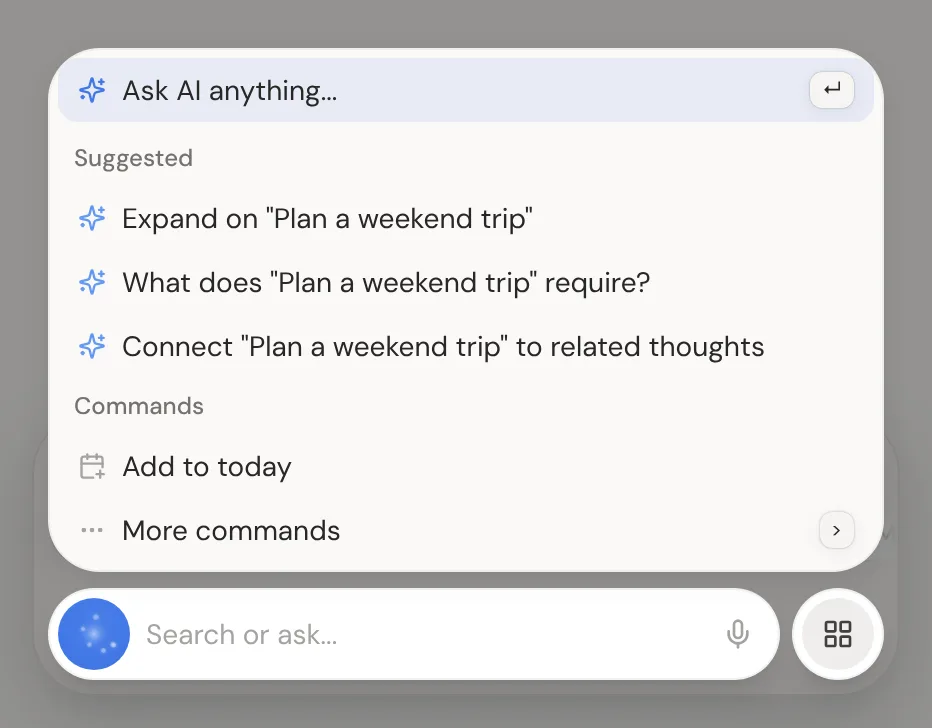
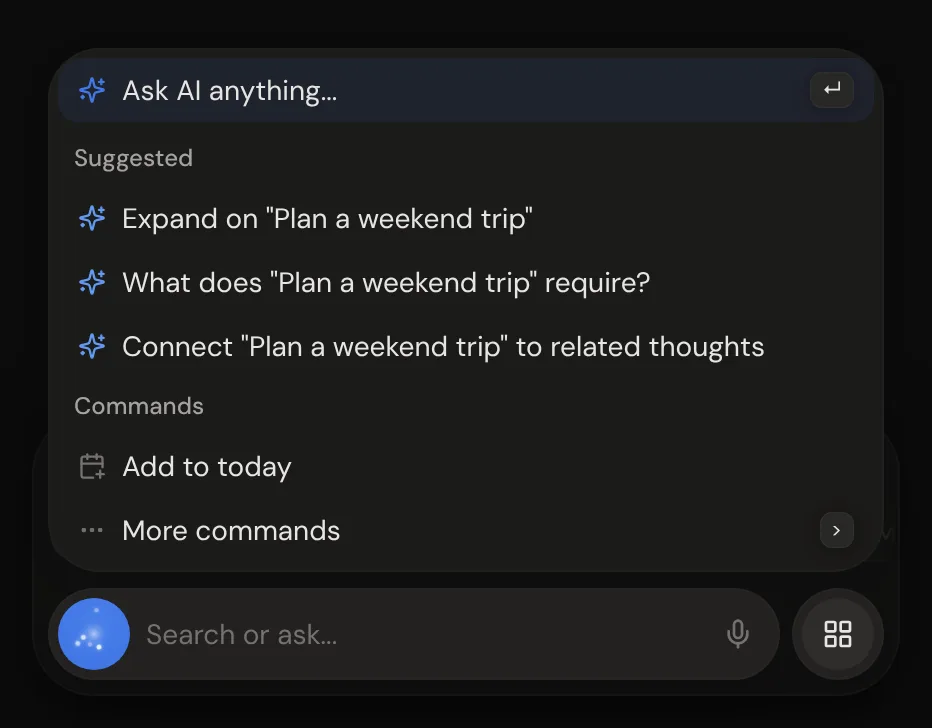
The command bar sits at the bottom of the screen, at the right on a computer. Click it and start typing to find any thought in any of your gardens. Pick a result to go to it.
| Shortcut | Action |
|---|---|
| Cmd/Ctrl + K | Open or close the command bar |
| Escape | Close the command bar |
| Arrow Up/Down | Move through the results |
| Enter | Open the result, or ask AI |
The bottom-right panel
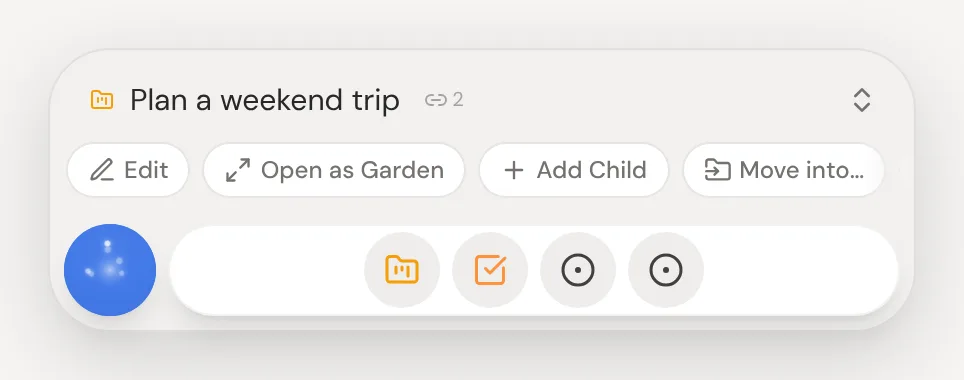
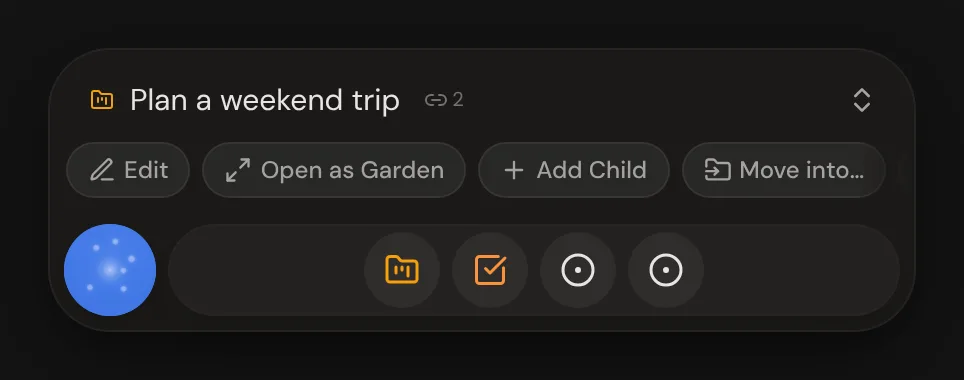
On a computer, the command bar sits in a panel at the bottom right. Above it you see the garden or what you selected, with a row of its commands. Click the title to open the side panel.
Ask AI
Type a question or a request and press Enter to send it to the AI. It knows your garden and what you've selected, and it can create, edit and connect thoughts for you. Ask again or close the bar while it works, and each answer still arrives.
The AI's blue button
The blue button in the dock is the AI. Its lights circle slowly, and while the AI works on your question they gather into a ring and turn. When the answer is ready they flash, and the middle stays lit until you open the command bar.
More commands
Pick More commands at the bottom of the list to see every command. Help, Keyboard Shortcuts and New Thought come first, and layouts and sorting come last. Each command shows its keyboard shortcut.
| Shortcut | Action |
|---|---|
| > | Show every command |
Search panel
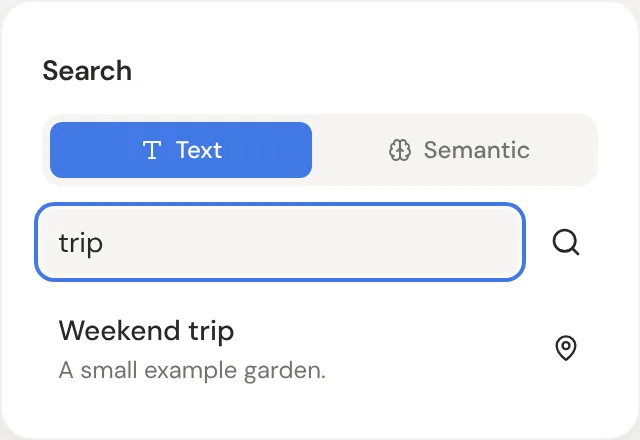
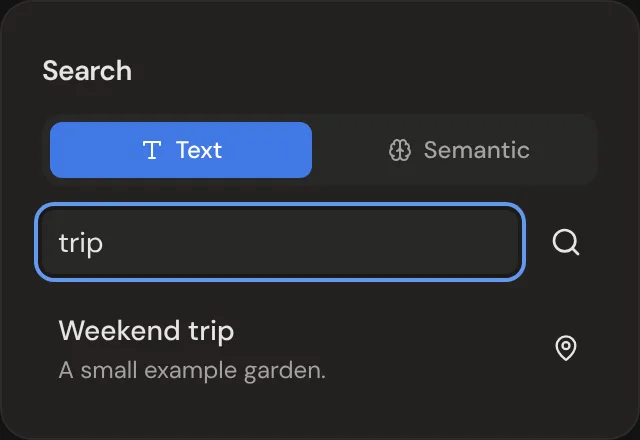
The search panel has two modes. Text finds words in titles and notes. Semantic finds thoughts with a similar meaning, even when the words differ.
| Shortcut | Action |
|---|---|
| Cmd/Ctrl + F | Open the search panel |