Connections
Draw lines between thoughts to show how they relate.
Drawing connections
Select a thought and drag the + on its side onto another thought. The right + makes that thought a child, and the left + makes it a parent. Drop on empty canvas to create a new thought that's already connected.
Connect To…
Right-click a thought and choose Connect To… to link it without drawing a line. Pick a thought, or create one, then choose As parent or As child.
Disconnect…
Right-click a thought and choose Disconnect… to remove a connection. If it has several, pick the one to remove from the list. Undo brings it back.
| Shortcut | Action |
|---|---|
| Delete | Delete the selected connection |
Labels and direction
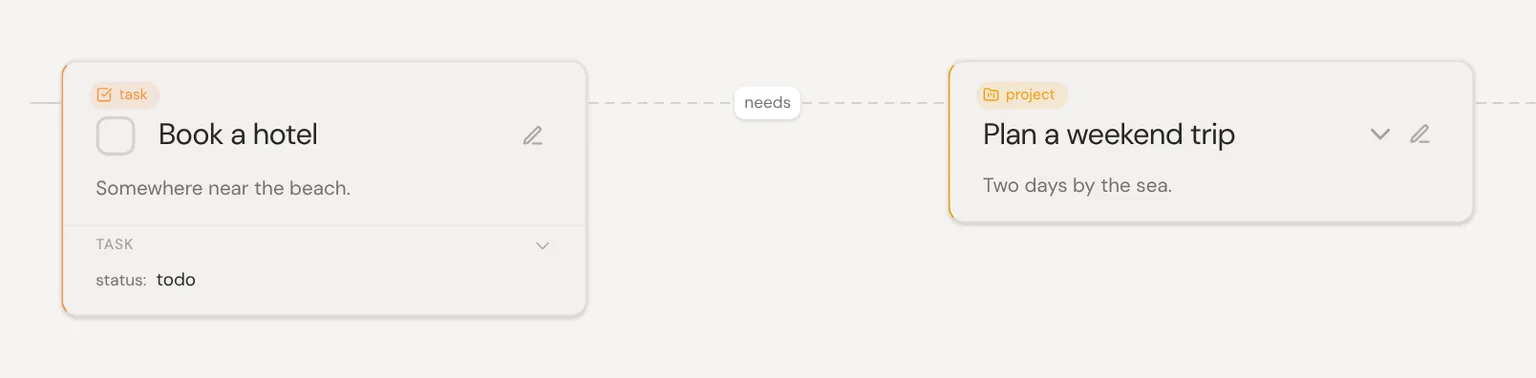
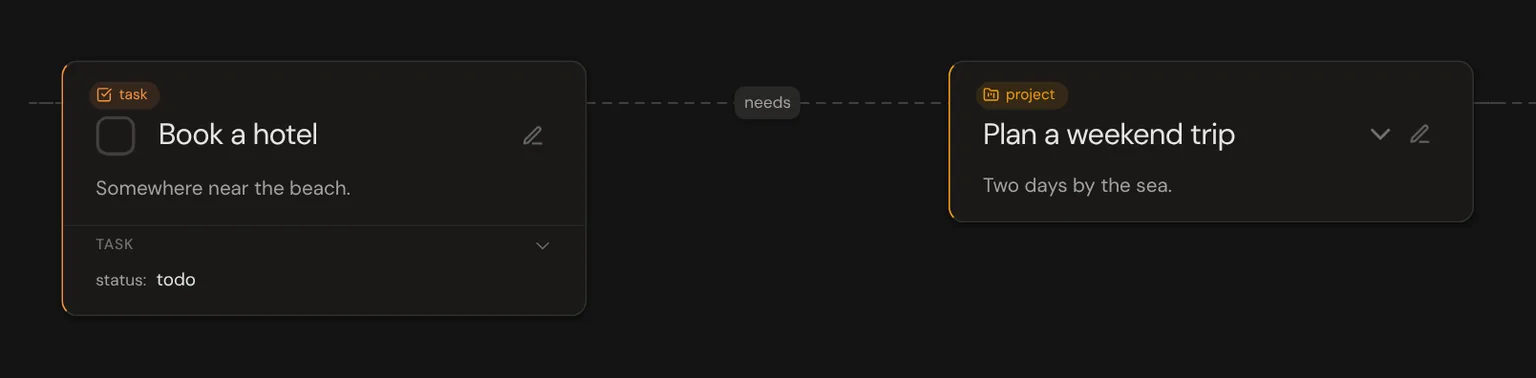
Right-click a line to edit its label, flip its direction or delete it. A label says how two thoughts relate, like “needs” or “part of”.
AI-suggested connections
Select a thought, open the command bar and pick the “Connect … to related thoughts” suggestion. AI connects it to the thoughts it fits best.
Inserting thoughts on lines
Hover over a line and click the + in its middle to add a thought between the two. The line splits in two, with the new thought in between.