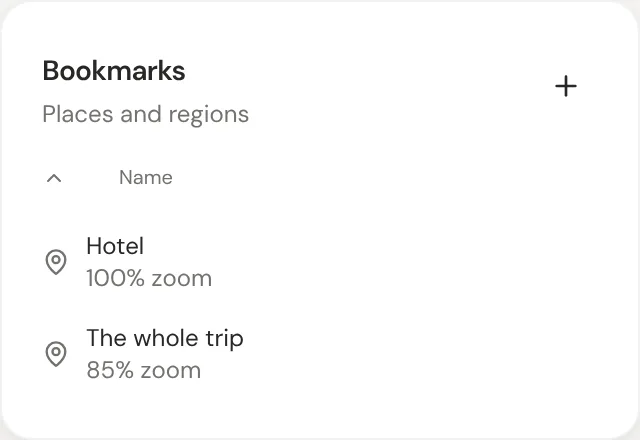
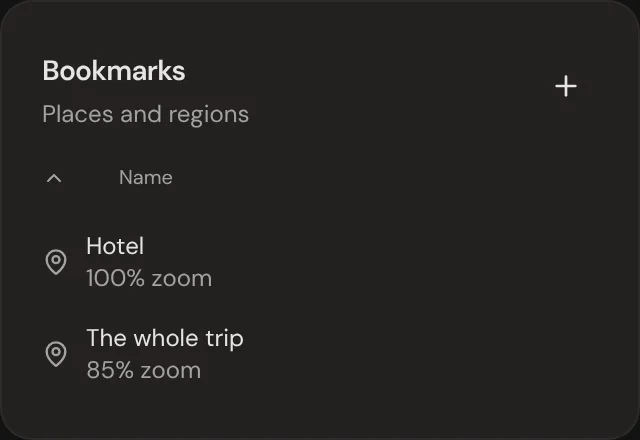
A bookmark saves a spot and zoom on the canvas, so you can jump back later. Each canvas keeps its own bookmarks.
Tip: Right-click the canvas and choose Bookmarks, or tap Bookmarks under the garden's name on a phone, to jump to one or add one.
1Move to the spot you want to keep.
2Open the bookmarks panel and click +.
3Give the bookmark a name.
4Click a bookmark any time to jump back.
Shortcut
Action
Cmd/Ctrl + B
Open the bookmarks panel
Color regions are bookmarks too
Color regions show up in the bookmarks list with a colored square. Click one to fly to the whole region. Rename or delete it from either place.
Saved views
A saved view keeps a whole arrangement: where thoughts sit, plus the layout, sort and filter. Right-click the canvas and choose Saved Views to switch to one, or pick Add new… to save the one you see. Each canvas keeps its own.
Tip: On a phone, tap Saved Views under the garden's name.