All Topics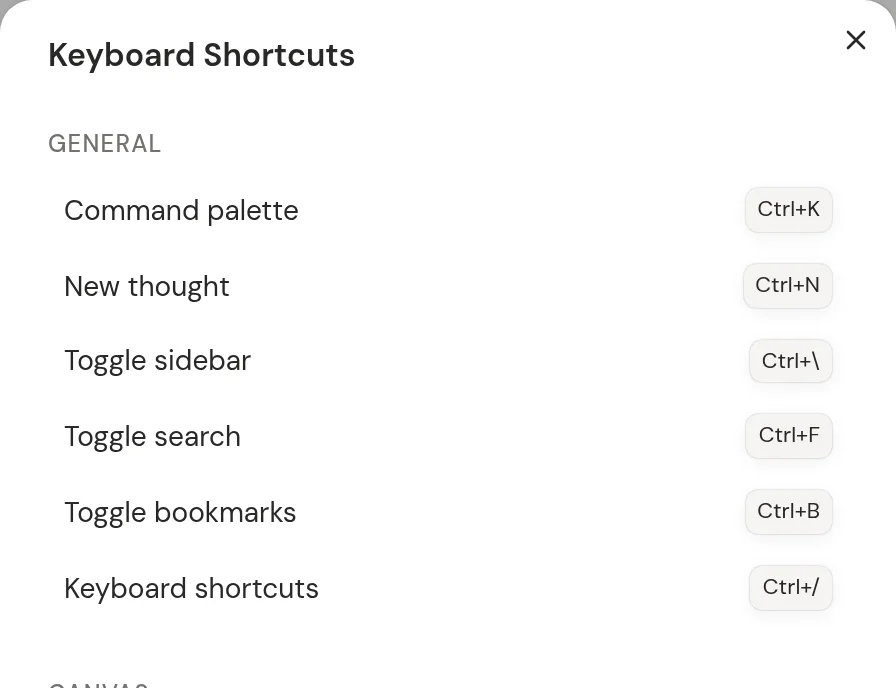
Keyboard Shortcuts
Every keyboard shortcut in Neural Garden, in one place.
Global shortcuts
These work anywhere in the app.
| Shortcut | Action |
|---|---|
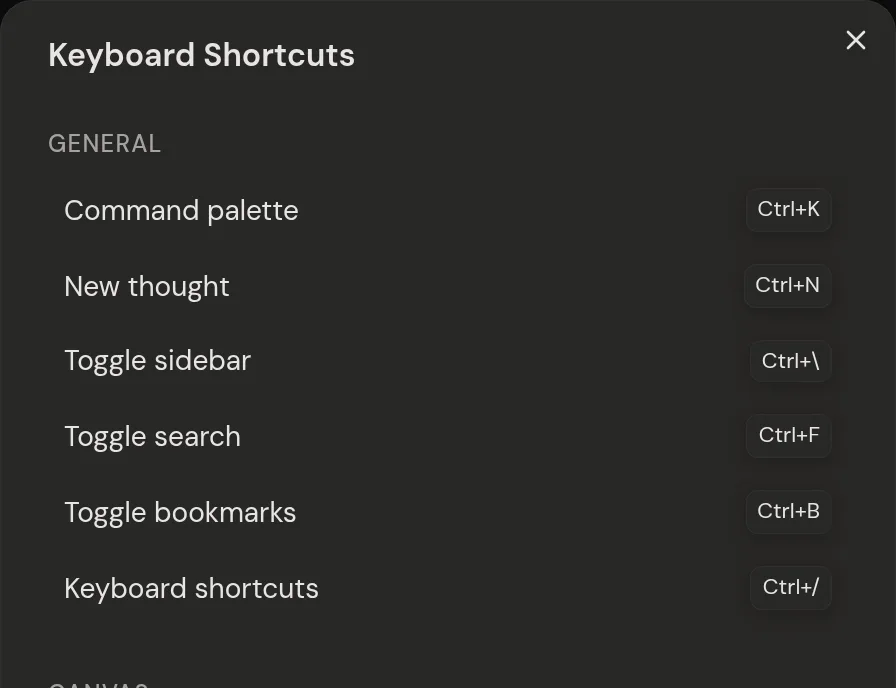
| Cmd/Ctrl + K | Open the command bar |
| Cmd/Ctrl + F | Open or close search |
| Cmd/Ctrl + N | New thought |
| Cmd/Ctrl + B | Open or close bookmarks |
| Cmd/Ctrl + \ | Show or hide the menu |
| Cmd/Ctrl + / | Show keyboard shortcuts |
| Escape | Close a panel or stop editing |
Canvas shortcuts
These work on the canvas while you're not typing.
Tip: Pasting a link, picture or text from elsewhere makes a new thought.
| Shortcut | Action |
|---|---|
| F | Fit everything, or the selection |
| Delete / Backspace | Delete what's selected |
| Cmd/Ctrl + A | Select all |
| Cmd/Ctrl + C, then Cmd/Ctrl + V | Copy and paste thoughts |
| Cmd/Ctrl + Z | Undo |
| Cmd/Ctrl + Shift + Z | Redo (or Ctrl + Y) |
| Cmd/Ctrl + / Cmd/Ctrl - | Zoom in / out |
| Cmd/Ctrl + Scroll | Zoom toward the pointer |
| Hold F | Quick zoom: see everything |
| Enter | Edit the selected thought |
| Double-click empty space | New thought |
| Double-click a thought | Open it as a garden |
| Cmd/Ctrl + Left / Up | Collapse the selected thought |
| Cmd/Ctrl + Right / Down | Expand the selected thought |
| Cmd/Ctrl + Shift + Left / Up | Collapse all |
| Cmd/Ctrl + Shift + Right / Down | Expand all |
Moving between thoughts
With one thought selected, the arrow keys jump to the nearest thought in that direction. Tab follows the sort order instead.
| Shortcut | Action |
|---|---|
| Arrow keys | Nearest thought in that direction |
| Tab / Shift + Tab | Next / previous thought |
Text editor shortcuts
These work while you're editing a thought's notes.
| Shortcut | Action |
|---|---|
| / | Open the command menu |
| /image | Add a picture |
| /ai | Ask AI about this thought |
| [[ | Link to another thought |
| [ [ with text selected | Turn the text into a link |
| Cmd/Ctrl + K | Add or edit a web link |
| Cmd/Ctrl + . | Fold or unfold a nested list |
| Enter at the end of a folded line | New line below the folded part |
| Backspace below a folded line | Back up to the folded line |
| Shift + Enter | New line |
| Escape / Cmd/Ctrl + Enter | Save and stop editing |
Mobile gestures
On a phone or tablet, use these instead.
| Shortcut | Action |
|---|---|
| Double-tap empty space | New thought |
| Double-tap a thought | Open it as a garden |
| Drag background | Move around |
| Pinch | Zoom in or out |
| Long-press, then drag | Select with a box |
| Long-press and hold | Open the menu |